

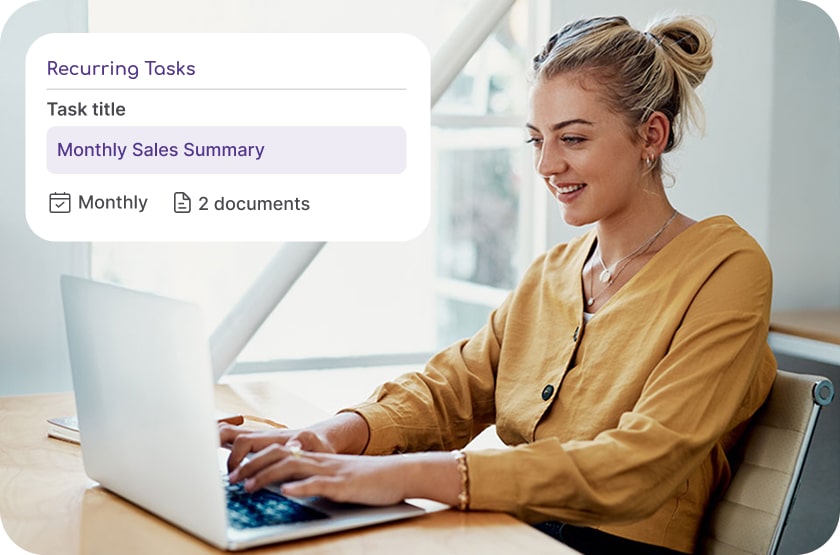
Building a Playbook is a matter of mapping out what you want DoubleDesk to do, in plain language. D2 walks you through it. For example, every Monday morning DoubleDesk could post a new social media topic based on your target audience. Before it gets posted you can review it, or let it run automatically.
This is done using the DoubleDesk playbook, where you map out the process, which channels you want to post to, how often, and the tone of voice.
Your personal business assistant, D2, walks you through a series of questions to make sure everything is set up right. You even get to test it at the end. Once you are happy, save it and it never forgets. Easy.
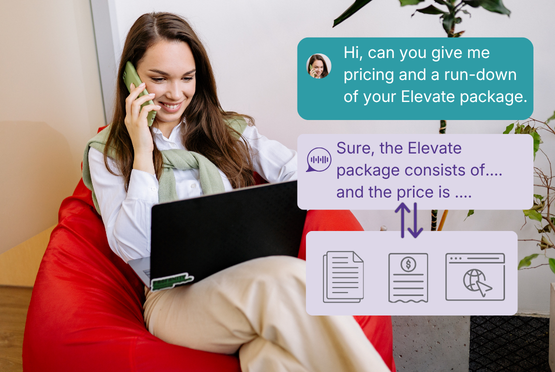
What if your receptionist could look up pricing, check a product manual, or pull details from your website, all while the caller is still on the line? DoubleDesk has a range of knowledge sources you can add to keep your workforce up to date. These include:
By accessing this information, your workforce will respond accurately and always have the latest information relevant to your business.
From the moment you sign up, your always-on personal business assistant, D2, walks you through everything via a warm, conversational interview. No forms, no manuals, no configuration screens. D2 simply asks about your business and you answer naturally, in your own words.
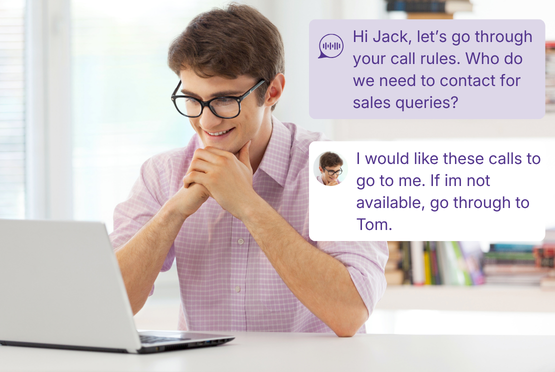
D2 covers everything DoubleDesk needs to run your front desk from day one: your business details, directory information, call rules, escalation preferences, and the voice and personality your receptionist will use with every customer.
Once you are done, your dedicated DoubleDesk number arrives and you are open for business.
Need to update something later? Every detail lives in your settings, ready to edit whenever your business changes.
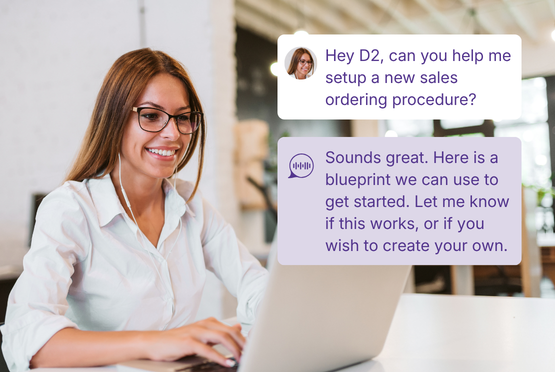
Need help setting up a feature or building a new process? Talk to D2 - type it or say it out loud, whatever feels natural.
For common workflows, D2 delivers a ready-made Blueprint: a step-by-step process you can follow straight away, built around how your business already works. Or if you have something specific in mind, just describe what you need. D2 will work out which systems it needs to connect, so the experience is seamless for your customers and your team. Blueprint examples:
These are just a handful of the ways D2 can take the daily grind off your desk and put it exactly where it belongs.
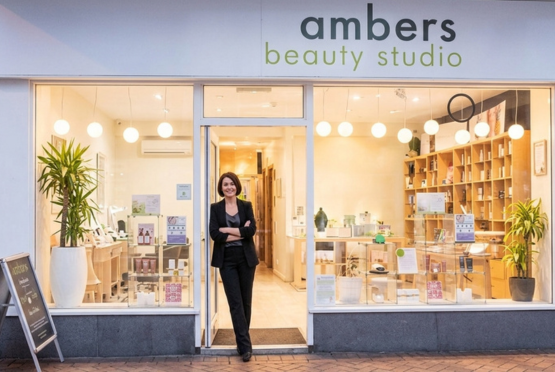
It’s reassuring to know DoubleDesk is there to look after calls while I am busy, handling each inquiry in a way that reflects me and my salon, even when I’m unable to get to the phone.
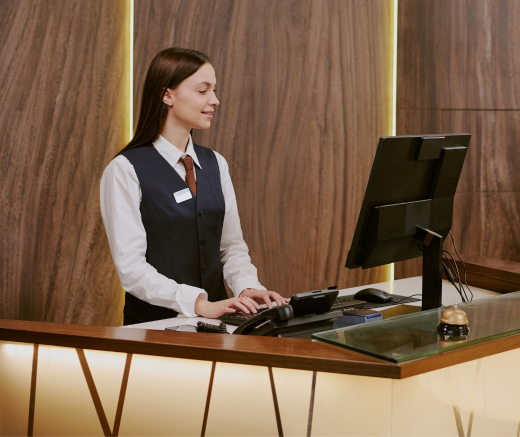
DoubleDesk lets motels answer and manage calls 24/7; the result is higher occupancy and greater returns.

Thank you DoubleDesk for helping during the Valentine’s Day rush by taking calls. Our business grew 20% on previous years'.
The basic AI receptionist can be live within hours of signup. DoubleDesk reads the business’s website during onboarding to pre-load Quick Facts, FAQs, and the business’s services. The owner then reviews, edits, and supplements that content. Adding Playbooks, Workers, and Connections happens progressively most owners build incrementally as they see the platform handle more.
No. DoubleDesk is designed specifically for non-technical small business owners. There’s nothing to install, no plugins to build, no code to write. The owner sets up the entire platform by talking to D2 in plain language.
During onboarding, DoubleDesk reads the business’s website to pre-load basic facts (location, hours, services, payment methods), frequently asked questions, and tone-of-voice signals. The owner reviews and edits this content, and adds anything missing.
Yes. The owner chooses the receptionist’s name, gender (female, male or neutral), voice from a curated library, personality (described in plain language), and welcome message. The receptionist’s engagement style ; Responsive, Proactive, or Assertive can also be set based on how actively the business wants her to drive conversations.
Mastering DoubleDesk is a built-in training platform inside the DoubleDesk app. It teaches the owner and team how to use every feature, with D2 walking through one stage at a time. Lessons are grounded in the user’s actual business. Topics include setting up the receptionist, smart call handling, Playbooks, managing resources, and adding app users. There’s a Quick Refresher mode for users who already know a topic and an Ask D2 mode for free-form questions.
DoubleDesk will not invent an answer. If the receptionist hits a gap in her knowledge during a call, she escalates, either by transferring to a person, taking a structured message, or running a fallback Playbook the owner has configured. The gap is also flagged so the owner can plug it, ensuring the same gap doesn’t recur.




"*" indicates required fields