
Your receptionist starts out knowing a great deal about your business, but every business has the odd question no one's filled in yet. Where's the nearest parking? Do you carry that brand?
Rather than leave you guessing what's missing, DoubleDesk listens to your real calls, notices the moments your receptionist couldn't quite help, and brings them to you as a simple to-do list.
When it suits you, you work through them together just by talking, and DoubleDesk makes most of the changes for you on the spot.
It's like training a new team member, plenty to fill in at first, then less and less, until your receptionist knows your business inside out.
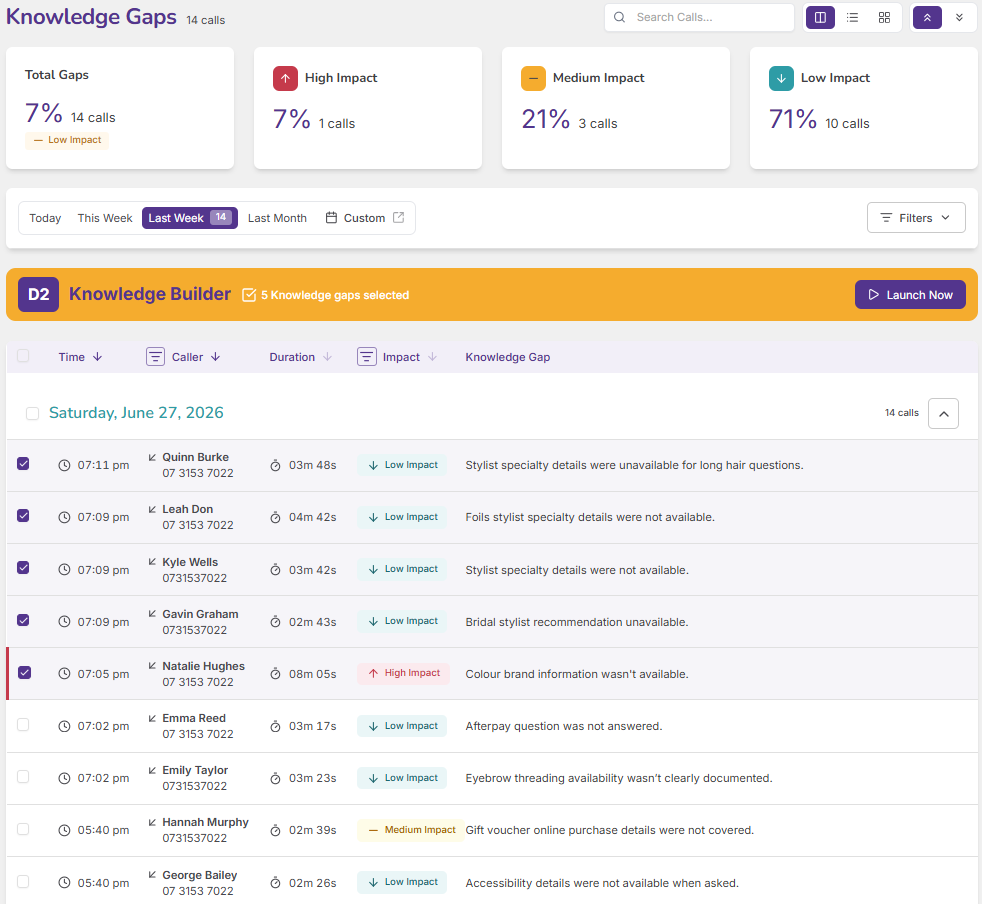
As your calls are reviewed, DoubleDesk quietly notes anything your receptionist couldn't answer. Anything that could be explained better, or a call that a Playbook would handle well, and flags which gaps matter most.
When ten callers ask the same thing ten different ways, DoubleDesk bundles those calls together, so a single answer from you clears the whole lot at once.
DoubleDesk walks you through the gaps one at a time and suggests an answer for each. Say yes, and the change is made for you, a new fact, a tidied answer, a sharper Playbook match, with no settings to dig through.
When something changes and a fresh run of questions starts coming in, DoubleDesk surfaces them straight away, so you can bring everything up to date in a few minutes.
A tool that spots the questions your receptionist couldn't fully answer on real calls and helps you fix them, mostly just by talking.
A moment on a call where your receptionist couldn't fully help, a missing answer, something that needs explaining better, or a call a Playbook should handle.
Work through them in the Knowledge Builder by voice or chat. DoubleDesk suggests a fix for each and applies most of them once you approve.
Usually not. Adding or updating facts and answers, or sharpening a Playbook's match, is done for you on approval. A brand-new Playbook is set up in your settings.
That's normal early on, like training a new team member. The number drops quickly as your receptionist's knowledge fills in.
Set it aside, on its own or a whole batch at once, and move on.

It’s reassuring to know DoubleDesk is there to look after calls while I am busy, handling each inquiry in a way that reflects me and my salon, even when I’m unable to get to the phone.
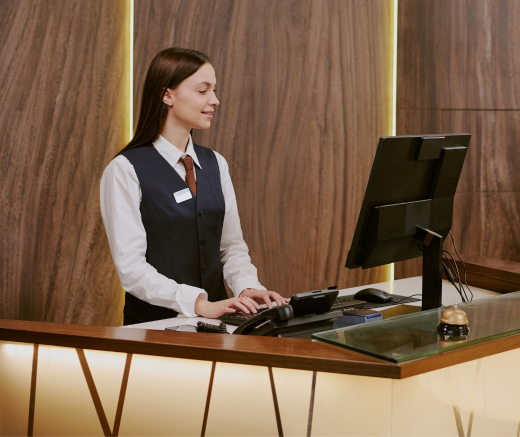
DoubleDesk lets motels answer and manage calls 24/7; the result is higher occupancy and greater returns.

Thank you DoubleDesk for helping during the Valentine’s Day rush by taking calls. Our business grew 20% on previous years'.