
Open DoubleDesk on your phone or computer and the whole picture is right there. The calls happening right now, how your phones have been performing, what's been handled and how, where the gaps are, and how much time you've saved.
Pick any stretch of time, today, this week, this month, and the entire screen updates to match. And nothing on it is a dead end.
See a number that catches your eye and you can tap straight through to the calls behind it. It's a single, living snapshot of your business, always up to the minute.
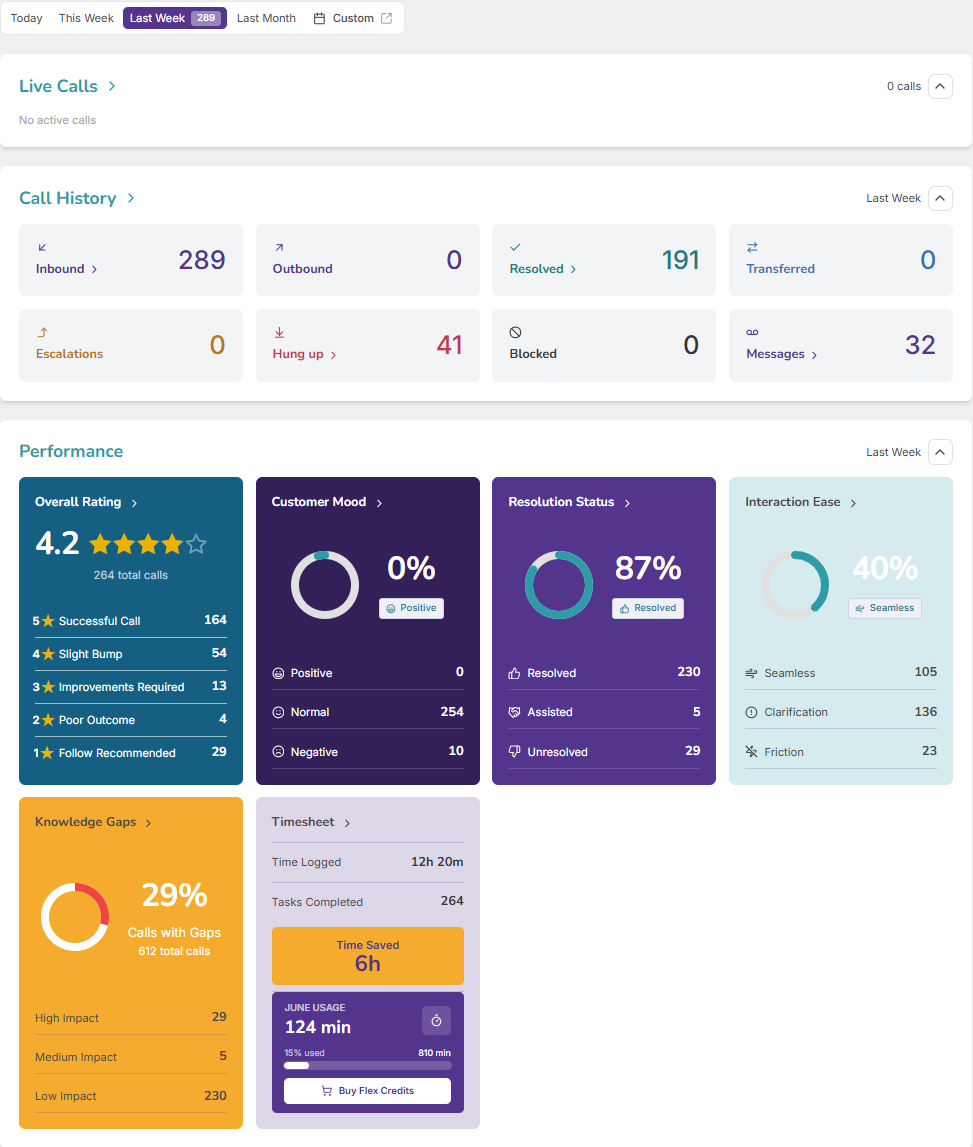
Your home screen brings it all together. Calls in progress, a clear count of what's come in and gone out, your call-review scores as easy-to-read graphs, your knowledge gaps, the time you've saved, and which Workers are busy right now.
See today at a glance, or switch to this week, this month, or any dates you choose, and the whole dashboard updates to match.
Every call accounted for, in and out, sorted by how it ended,. Handled start to finish, put through to your team, stepped up for attention, hung up partway, screened out, or turned into a message.
Pick what you'd like to look at and the stretch of time, and DoubleDesk lays it out as a simple chart, day by day, week by week, or month by month, so you can spot how things are moving.
Nothing on your dashboard is a dead end. See a number that surprises you, tap it, and DoubleDesk takes you straight to the calls behind it.
It's the home screen of DoubleDesk, showing your business live, including calls in progress, call history, performance scores, knowledge gaps, time saved, and active Workers, for any date range you choose.
Yes. Calls in progress appear on the dashboard, and you can open one to watch it unfold live.
Yes, today, this week, this month, or a custom range. The whole screen updates to match.
Each call is sorted by how it ended:
Yes. Tap any figure or graph and DoubleDesk takes you straight to the calls behind it.
Yes. It works on phone or computer, and it updates in real time.
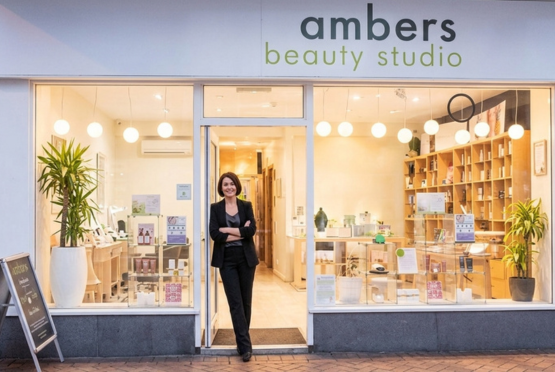
It’s reassuring to know DoubleDesk is there to look after calls while I am busy, handling each inquiry in a way that reflects me and my salon, even when I’m unable to get to the phone.
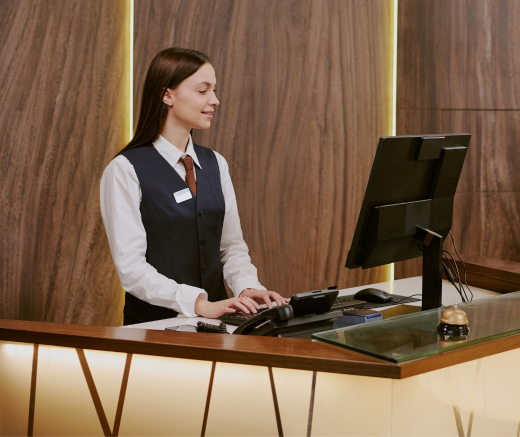
DoubleDesk lets motels answer and manage calls 24/7; the result is higher occupancy and greater returns.
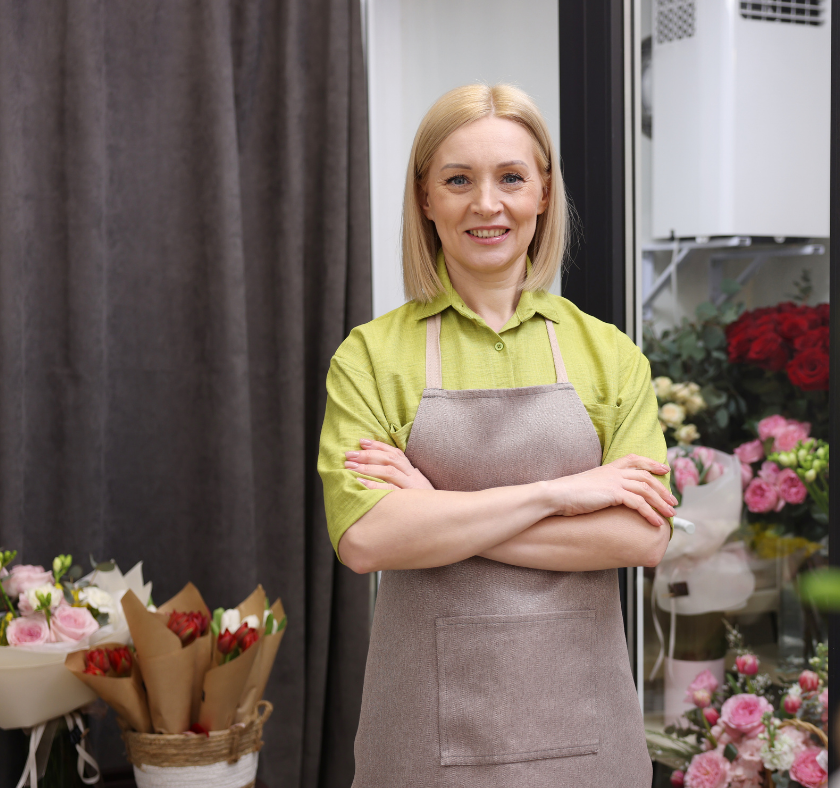
Thank you DoubleDesk for helping during the Valentine’s Day rush by taking calls. Our business grew 20% on previous years'.